
Please note: the video, PDF guide, Excel files, screenshots and Gumroad sales pages are in French.
Site method
Tracking site expenses with Excel.
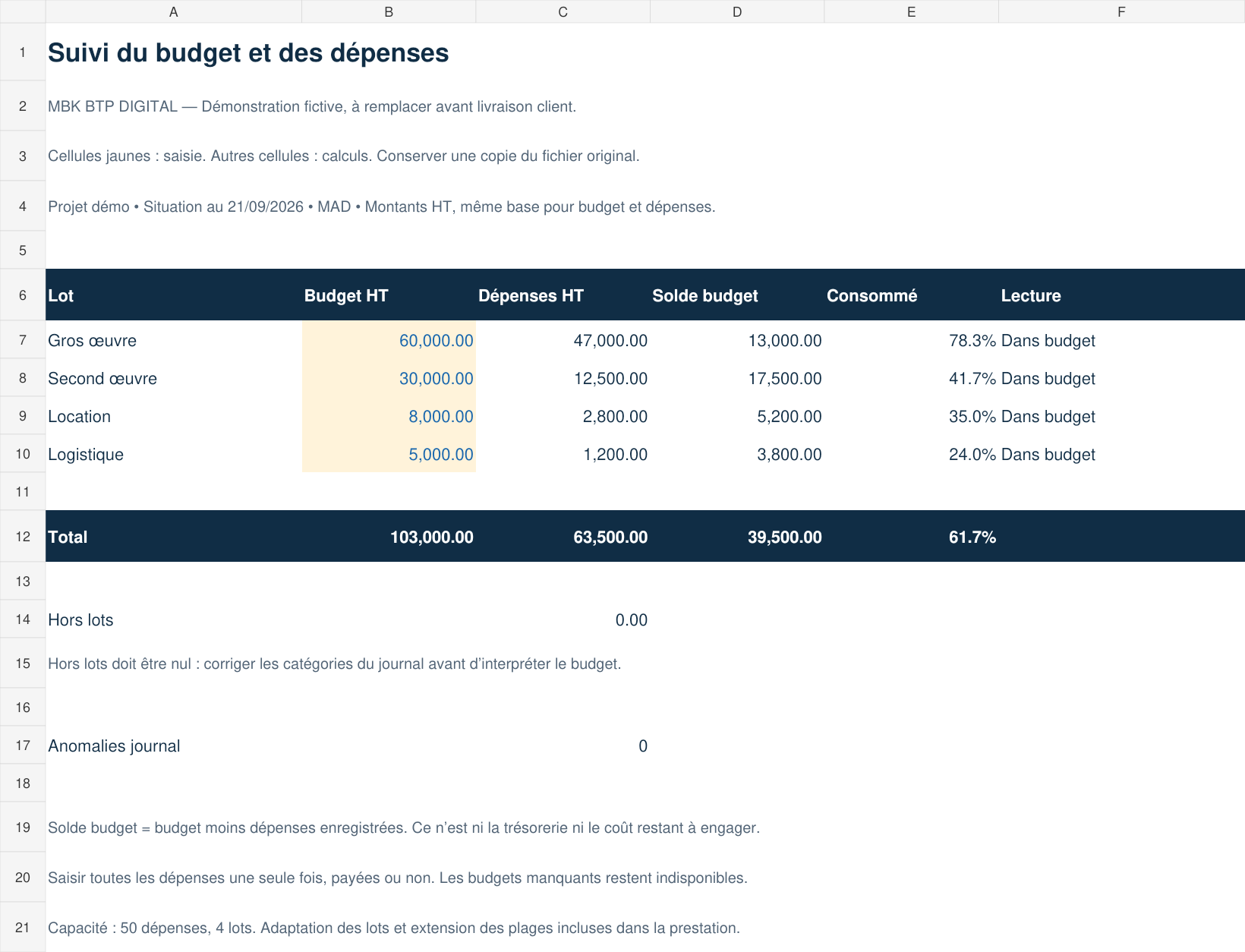
Centralise amounts, supporting documents and payment status to compare your expenses with the budget and prepare your decisions.
What information should you record?
For each expense, keep the date, type of purchase or work, category, supplier, amount, payment status and supporting document reference. Use the same currency and the same basis, excluding or including tax, to compare amounts.
Regularly reconcile the lines with invoices and payments, and look for duplicates before reviewing.
Fictitious example: reviewing three expenses.
Reference budget: MAD 20,000 excl. tax. The amounts below illustrate a calculation method; they do not represent a client's site or a guaranteed result of the template.
| Expense | Amount | Payment |
|---|---|---|
| 50 bags of cement × MAD 80 | MAD 4,000 | Paid |
| Transport | MAD 800 | Paid |
| Labour | MAD 1,200 | To be paid |
Total recorded: MAD 6,000. Paid: MAD 4,800. To be paid: MAD 1,200. Budget minus recorded expenses: MAD 14,000, subject to other expenses and commitments not yet recorded.
Three useful checks on site.
- Check that each amount has a supporting document and a consistent category.
- Distinguish a recorded expense from a payment actually made.
- Avoid counting both a material purchase and its consumption in the same cost total.
The method depends on your organisation and your project's rules; it does not replace your accounting records.
Which tool should you choose?
The Site expense tracking template is offered separately at €9.99 on Gumroad. MBK Pilotage Chantier is a broader tracking workbook at €24.99, ordered with assistance. The two offers are separate.
See the template page to check its content and compatibility before paying, or compare the offers.