 MBK BTP DIGITAL
Finance
Budget, expenses, payments, remaining funds and consumption rate.
Please note: the video, PDF guide, Excel files, screenshots and Gumroad sales pages are in French.
Digital tools for construction professionals
Budget, expenses, purchasing and progress: keep a clear view of your site with our Excel tools. Need an AutoCAD drawing, a Revit model or a tailored file? Choose your service, priced on quotation.
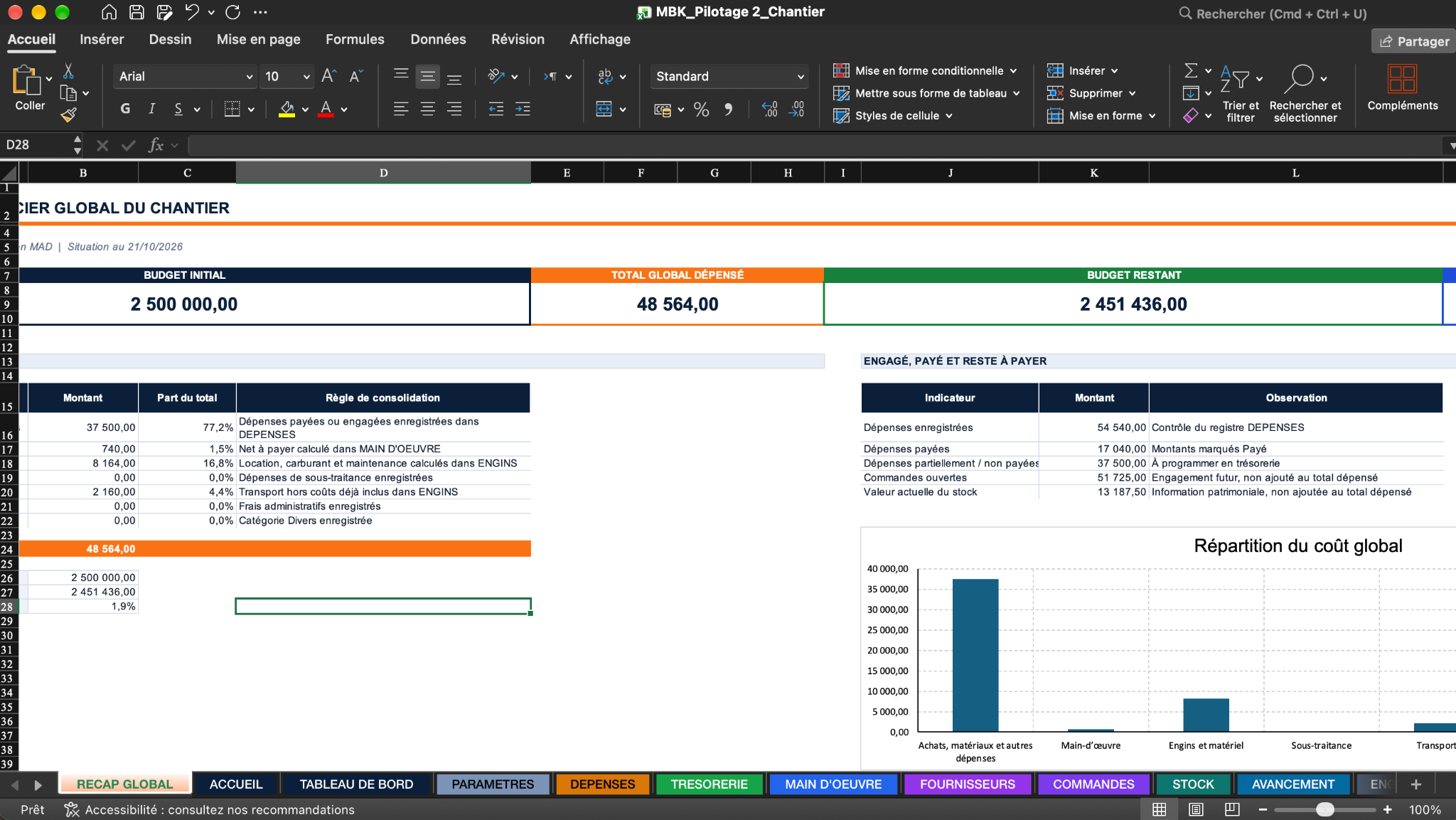 Screenshot of the demonstration file
PLANTRACKMANAGE
01 - The main tool
A single Excel file to centralise, track and read the status of your site without multiplying spreadsheets.
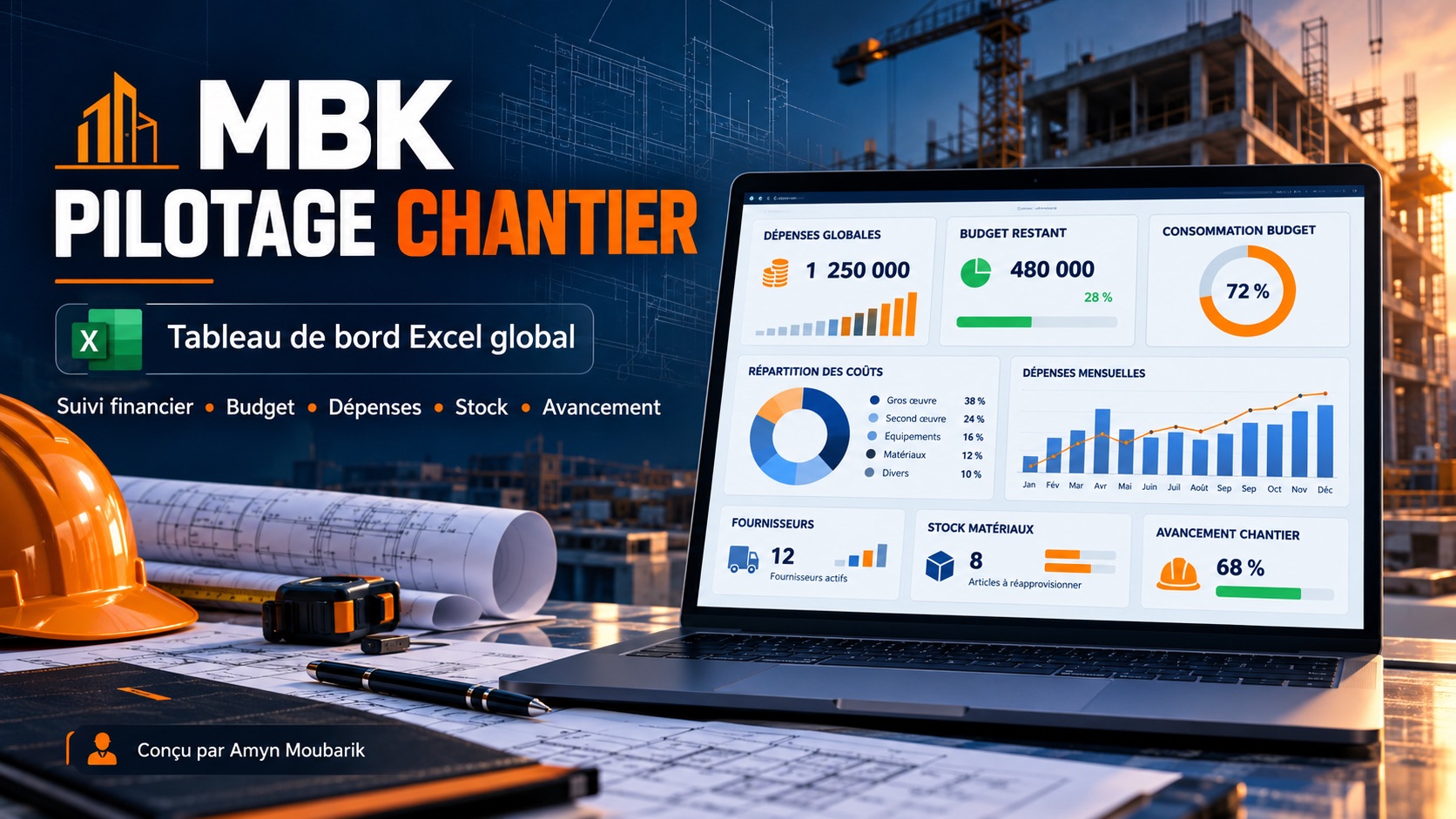
Track budget, expenses, labour, suppliers, orders, stock, equipment and progress from a single workbook.
Budget, expenses, payments, remaining funds and consumption rate.
Labour, suppliers, orders, stock and equipment costs.
Progress, overall summary, indicators and main alerts.
Assisted order via WhatsApp: compatibility, payment and delivery are confirmed before the transaction. Automatic purchase on Gumroad: coming soon.
One MBK Pilotage Chantier Excel file. Word forms are not part of this offer.
Tell support your Excel version and operating system to confirm compatibility. The file is used with your own data; keep a copy before making changes.
View the PDF guideInside the file
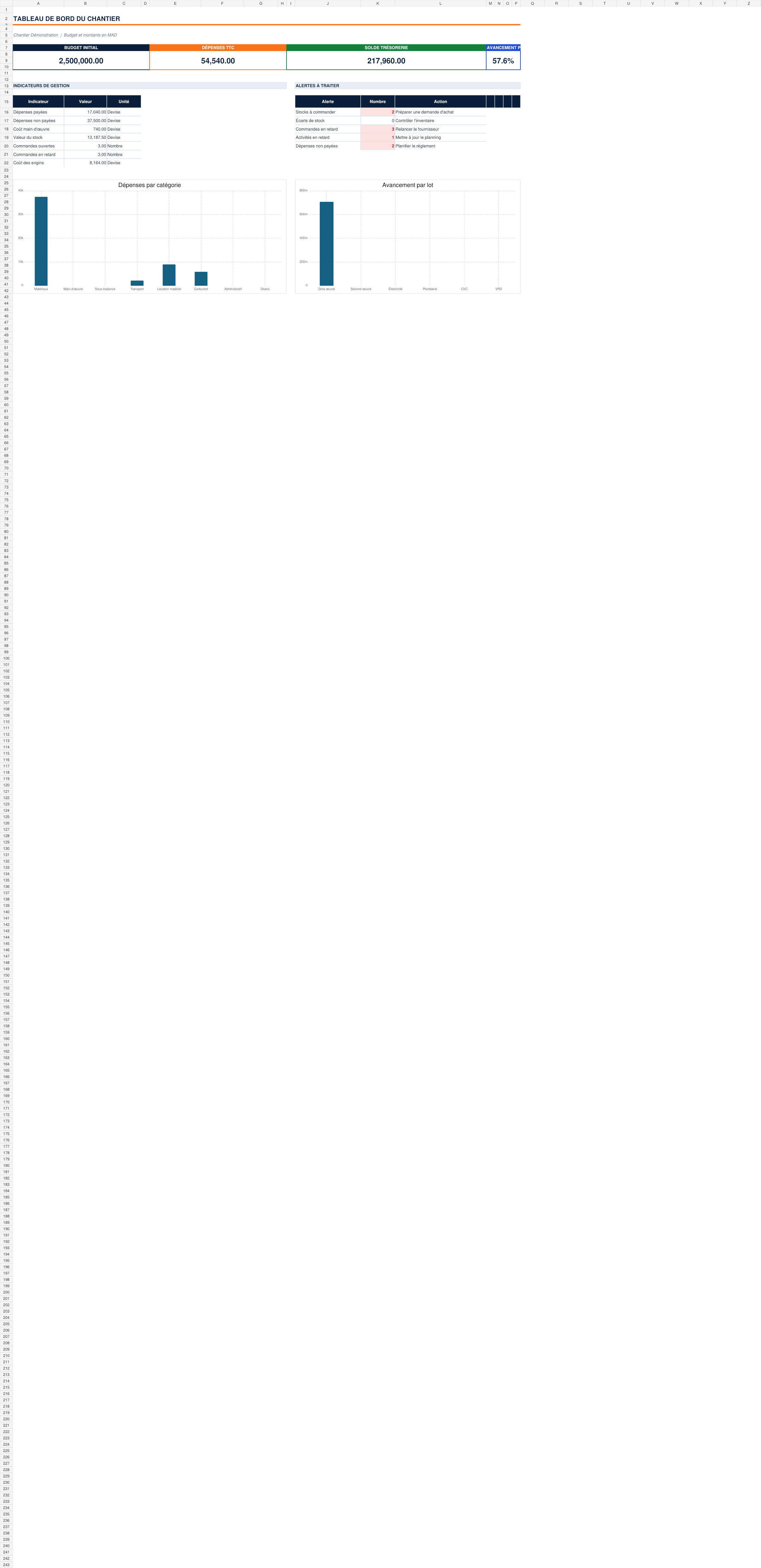
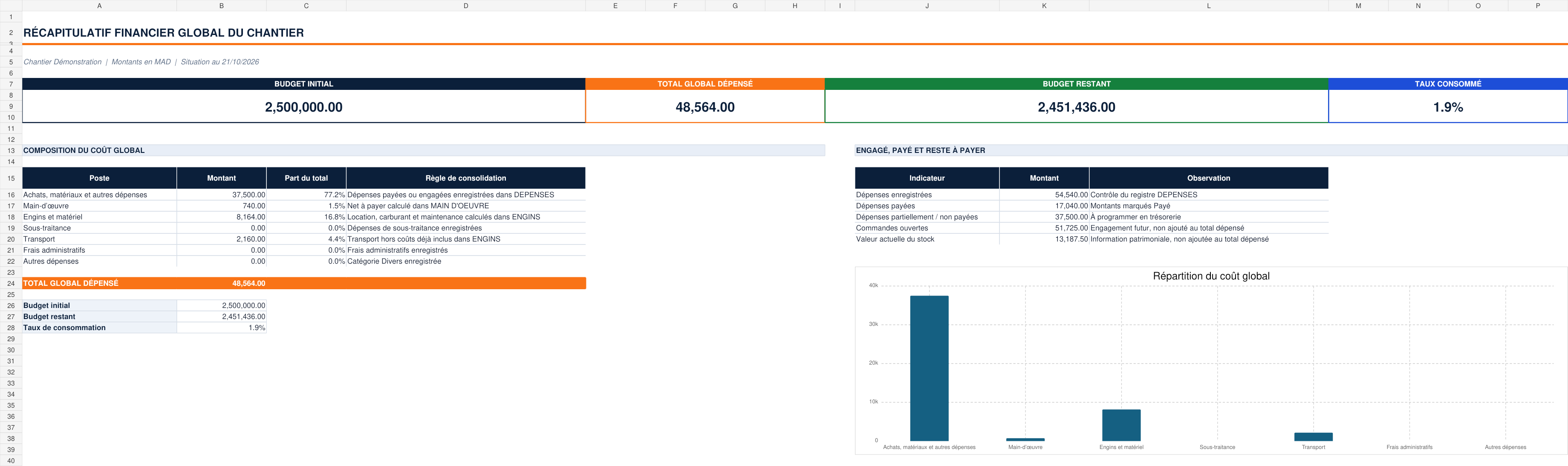
Screenshots of the supplied demonstration file. The data illustrates how the tool is presented; it does not show the results of a client's site.
Presentation and method
The video presents MBK and its offers. The PDF guide details how to get started with Pilotage; screenshots of the workbook are available in the gallery.
A solution for every need
Budget, expenses, resources and summary in one workbook.
MBK Pilotage · €24.99 ↗ Specific needExpenses, progress or supplier comparison.
Template · €9.99 ↗ Construction documentsDiscover the themes and previews of the packs in preparation.
Browse the packs ↗ Custom workSketch to AutoCAD, drawing to Revit or documents to Excel.
Service on quotation ↗Compare the content, price and ordering method of each offer
02 - Custom services
Three independent services, each on quotation. Choose your starting point: you do not have to go through every service.
A clear, structured drawing from your dimensioned sketch or document.
See inputs and deliverablesA model whose work packages, level of detail and formats are defined in the quotation.
Scope my Revit requestYour lists and records organised in a file suited to your tracking.
Describe my Excel needTo prepare your file: sketch to AutoCAD · 2D drawing to Revit
The visual path below shows five examples of possible steps and transformations. It is not a mandatory sequence of services.
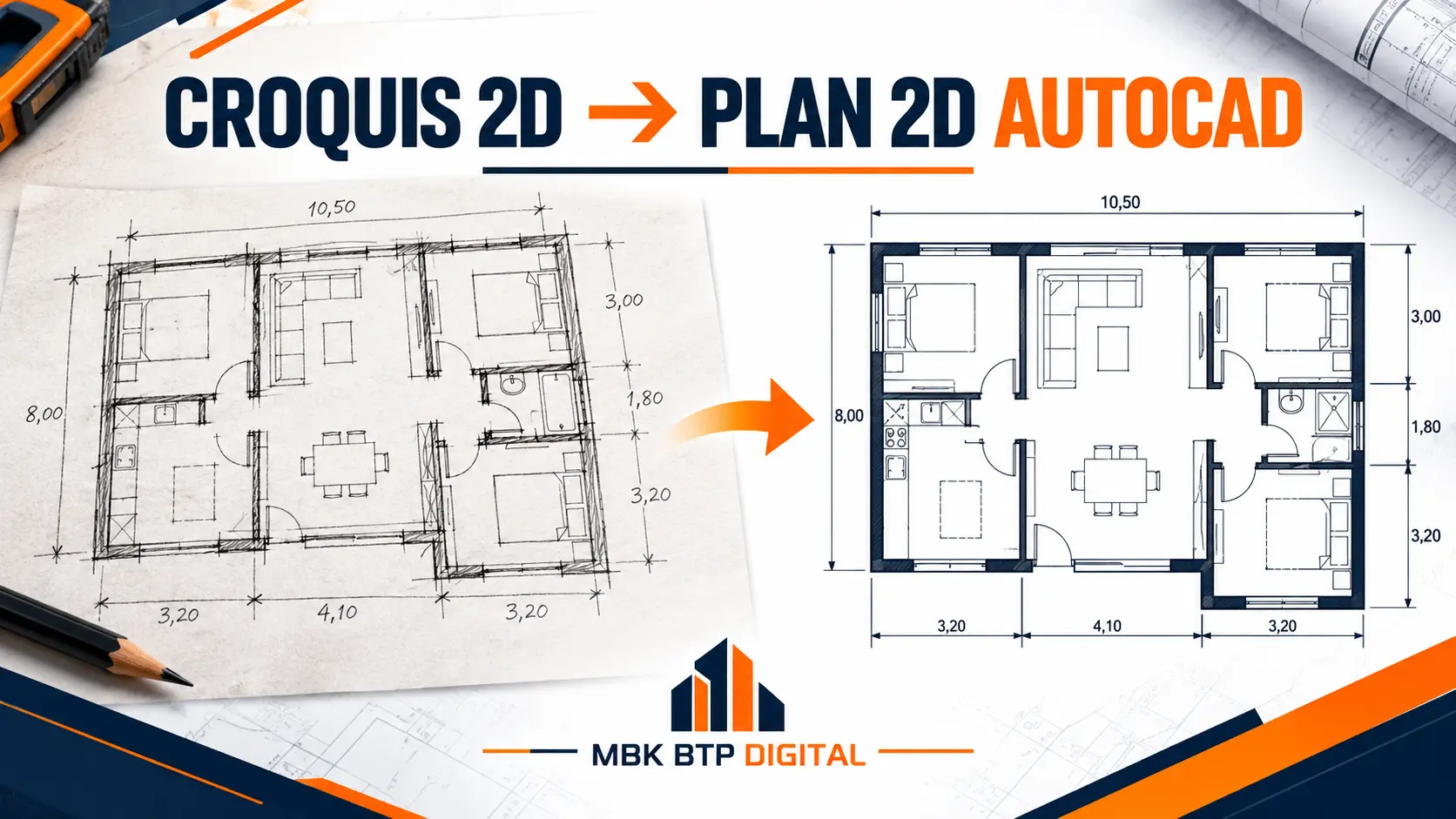
You send a legible sketch, the available dimensions and the expected result.
We turn the sketch into a structured 2D drawing, according to the agreed elements.
The level of detail, deliverables and timeframe are defined in the quotation.
You send an anonymised example of your lists, records or documents.
You receive a file suited to your tracking method, in the agreed formats.
Source, volume, expected result: your quotation specifies the price, timeframe, deliverables and revisions.
03 - Excel templates
Choose a single tool at €9.99, or all three templates at €19.98. These offers are separate from MBK Pilotage Chantier. Check the content and compatibility on the Gumroad page before paying.
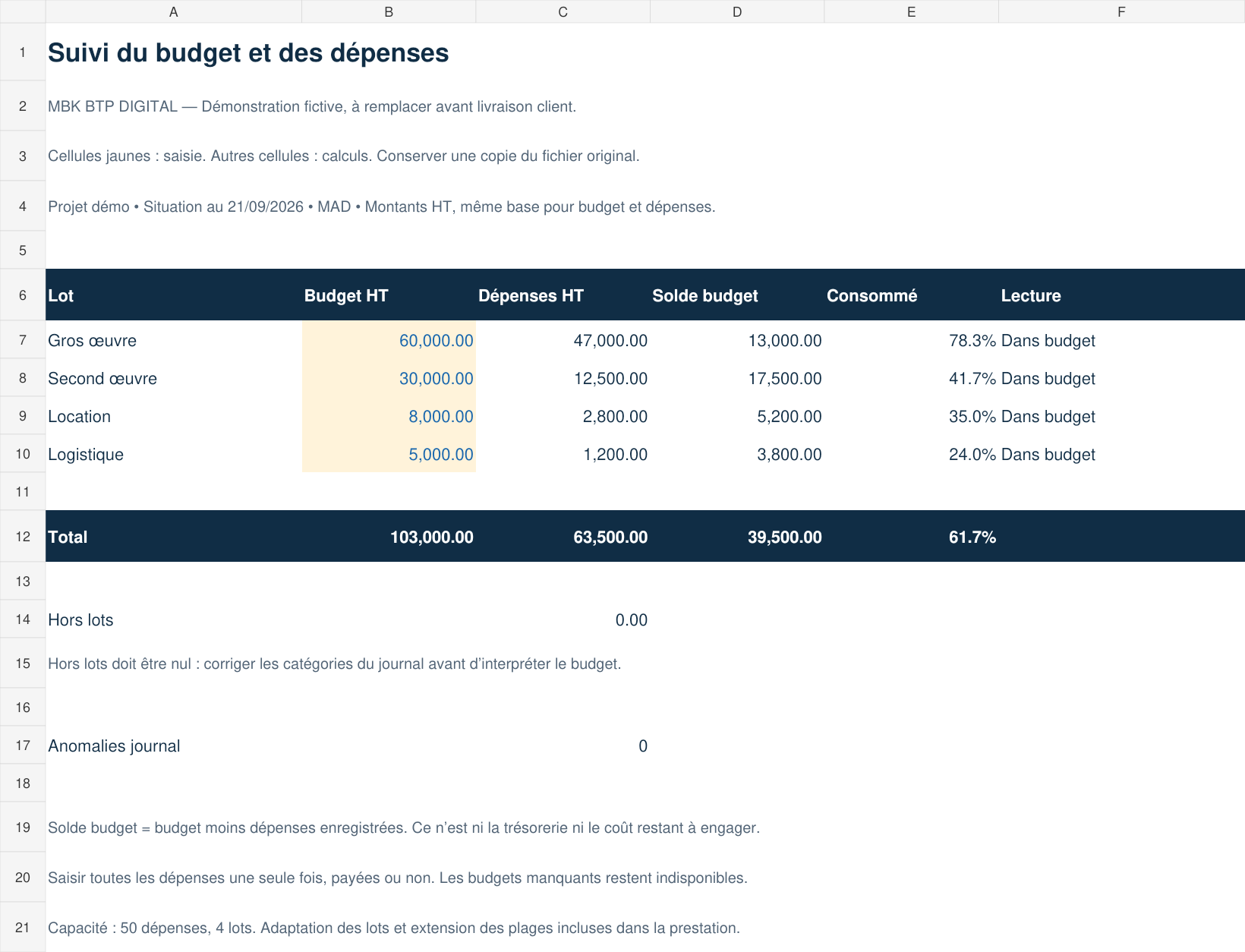 EXCEL TEMPLATE
Classify expenses and compare actual costs with the budget.
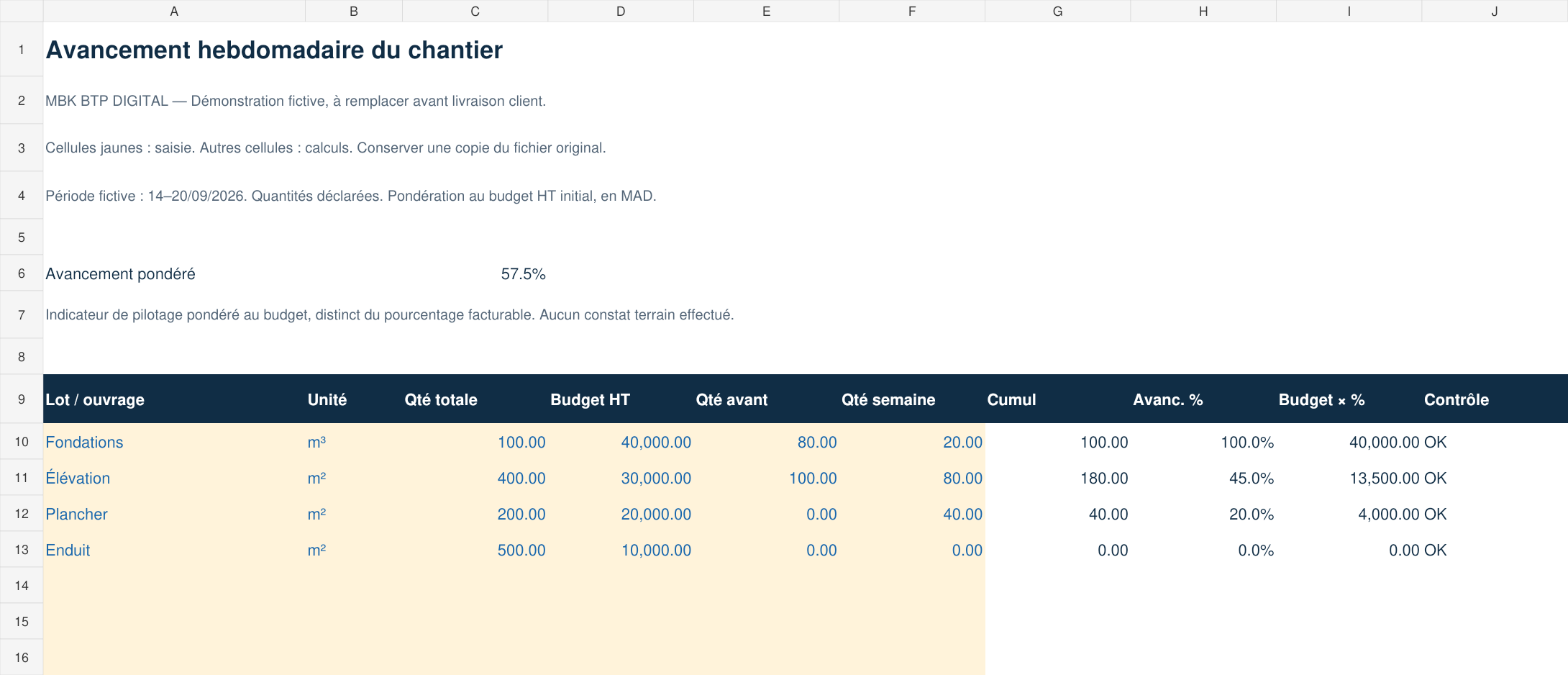 EXCEL TEMPLATE
Track quantities, cumulative totals and weekly progress.
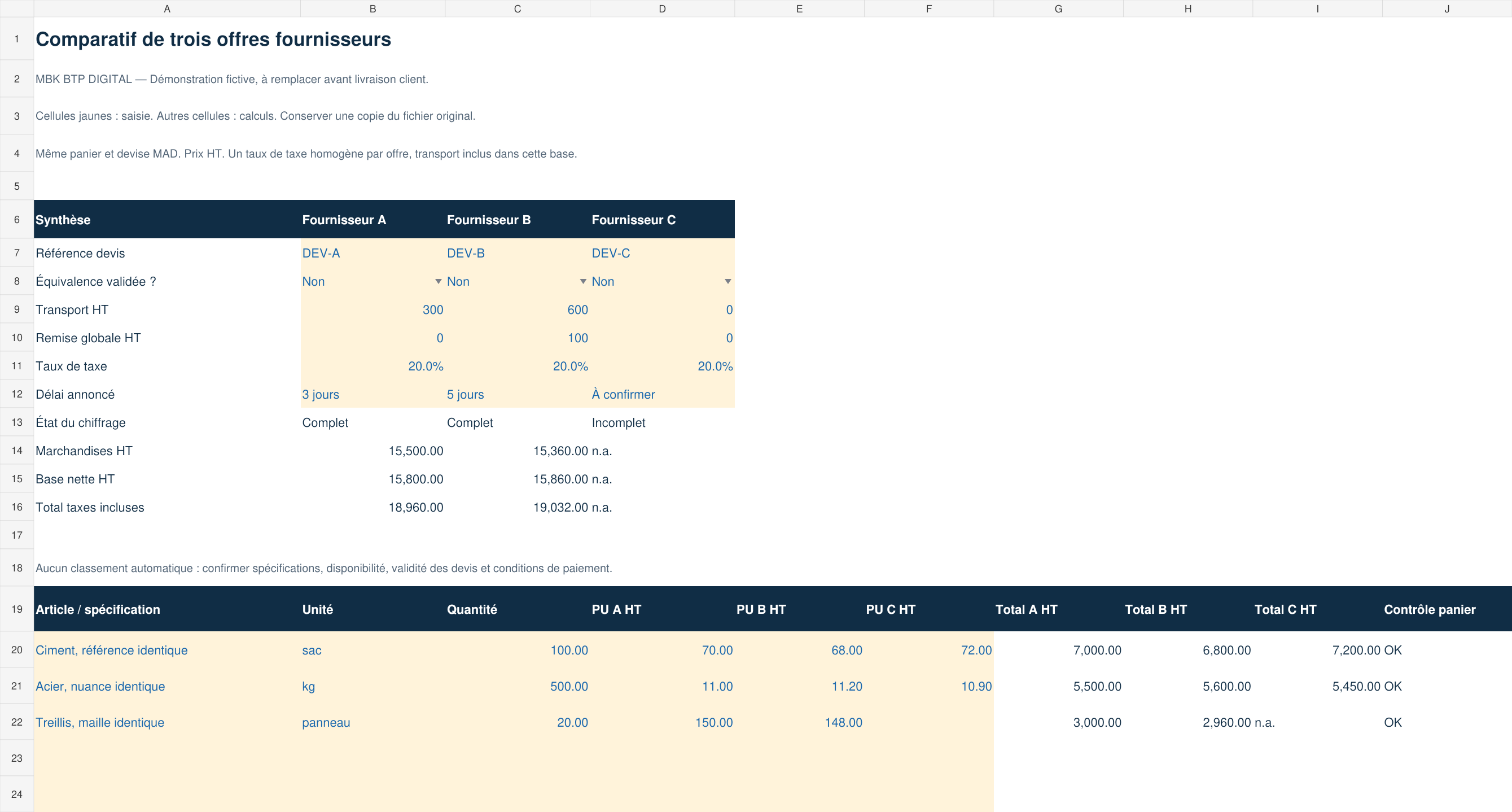 EXCEL TEMPLATE
Compare three offers, their fees, discounts and terms.
Need a method? See our expense tracking example
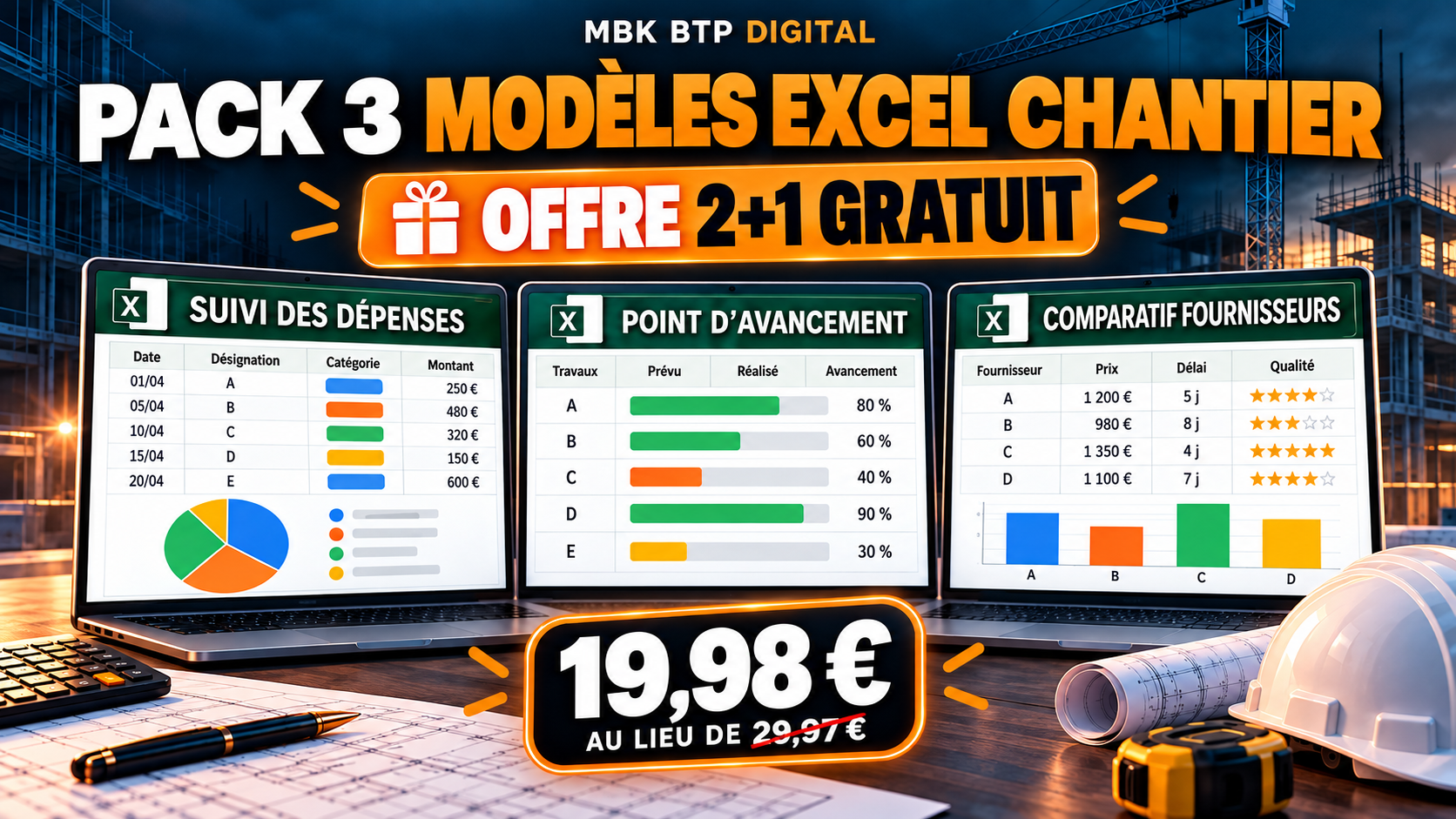
Expense tracking, progress report and supplier comparison in one pack.
04 - Construction document packs
Three packs shown here, seven themes to explore. Previews are available; sales of the final files have not yet opened. Prices shown are indicative.
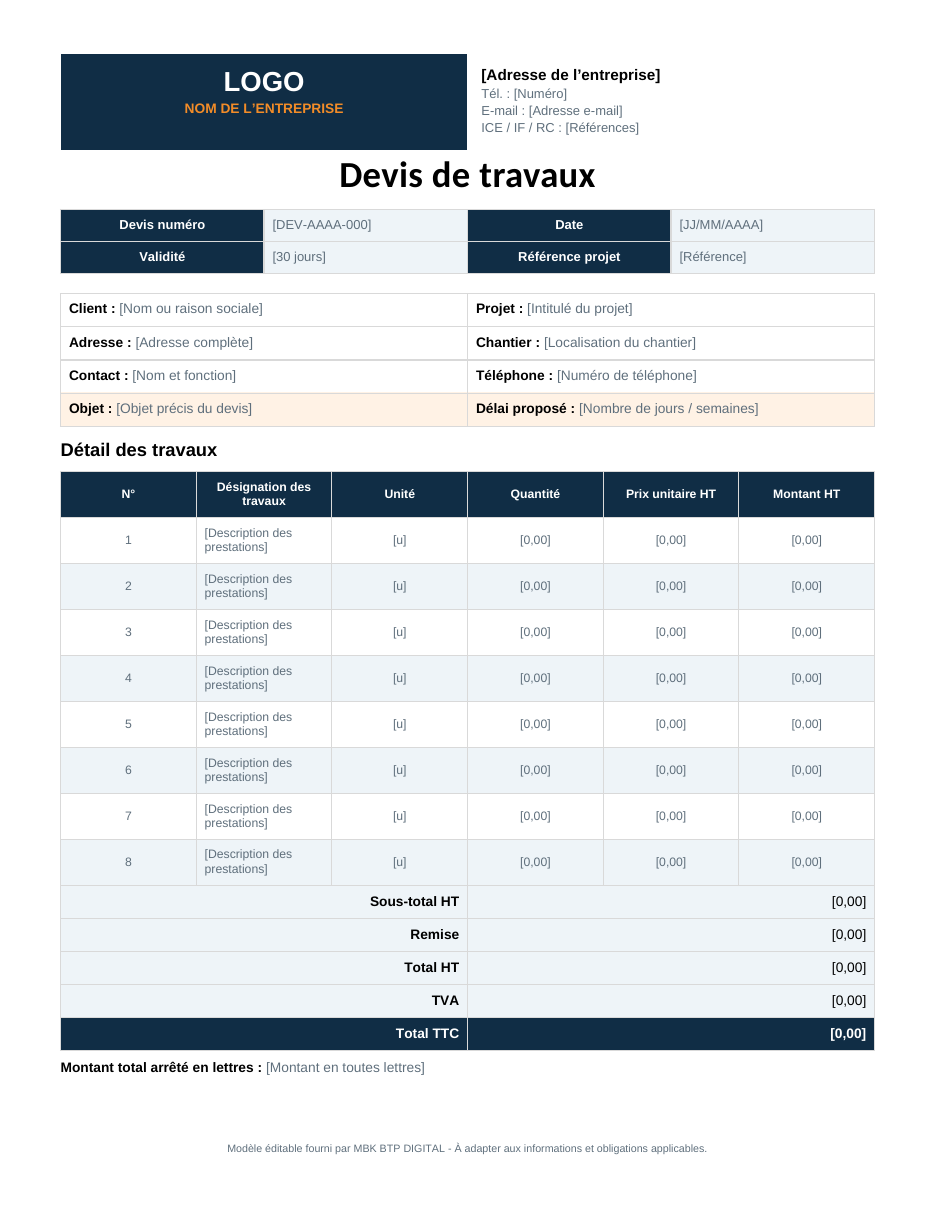
Quotations, invoices, purchase orders and correspondence with clients and suppliers.
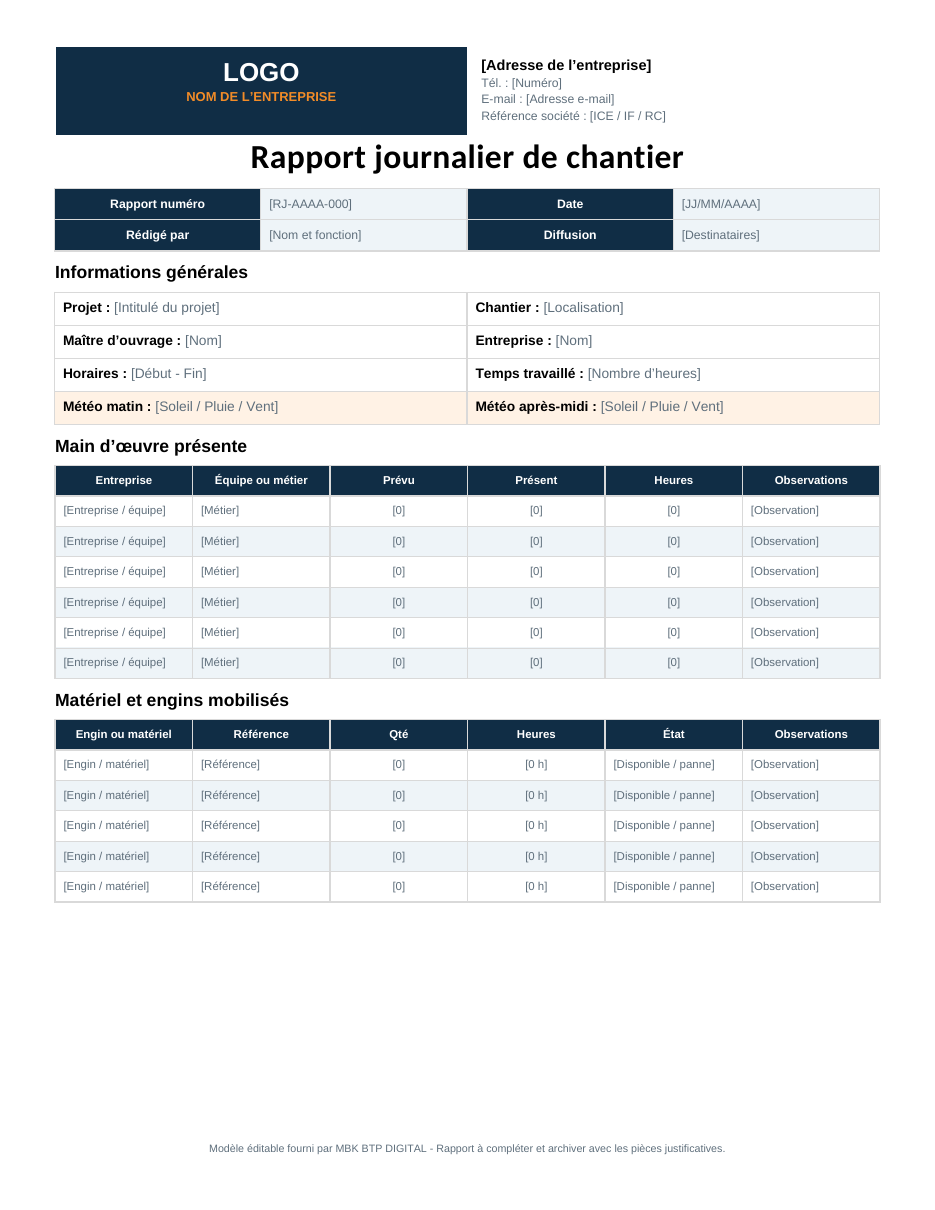
Reports, meetings, time recording and action tracking to organise daily site life.
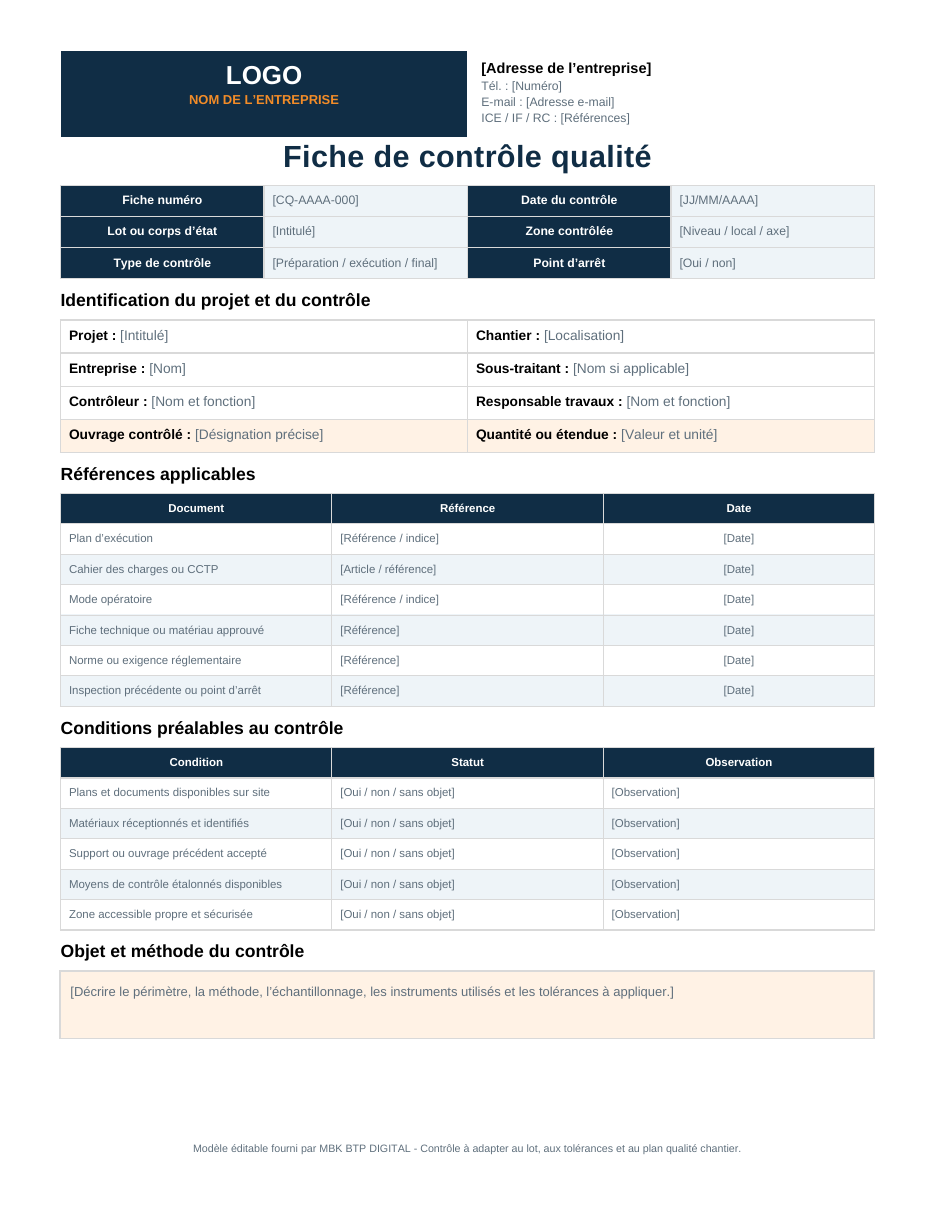
Inspections, non-conformities, handover and traceability of completed work.
A question about content or formats? Ask about availability
Field advice
Keep the supporting document and assign each expense to a clear category.
Physical progress and financial progress do not always tell the same story.
Labour, work completed, deliveries, incidents and decisions: note the essentials.
Custom request
Send an anonymised example and describe the expected result. The reply specifies the price, timeframe and deliverables.
About MBK BTP DIGITAL
MBK BTP DIGITAL develops Excel tools, construction documents and digital conversion services to help professionals organise their information better.
The goal is not to add complicated software, but to make everyday operations easier to read: expenses, purchasing, documents, progress, reports and decisions.
The project is led by Amyn Moubarik, with an approach drawn directly from the needs encountered in tracking and organising construction sites. Each offer is presented with its actual scope, without promising features that are not yet available.
A construction manager across all trades, he has site experience in Morocco and West Africa, particularly Côte d'Ivoire: site preparation and organisation, coordination between trades, quantity take-offs and progress measurements, and tracking of deadlines, costs and quality.
Support
Online support Monday to Saturday, 9 am to 6 pm (Morocco time).